
Content Outline
Reports
Reports
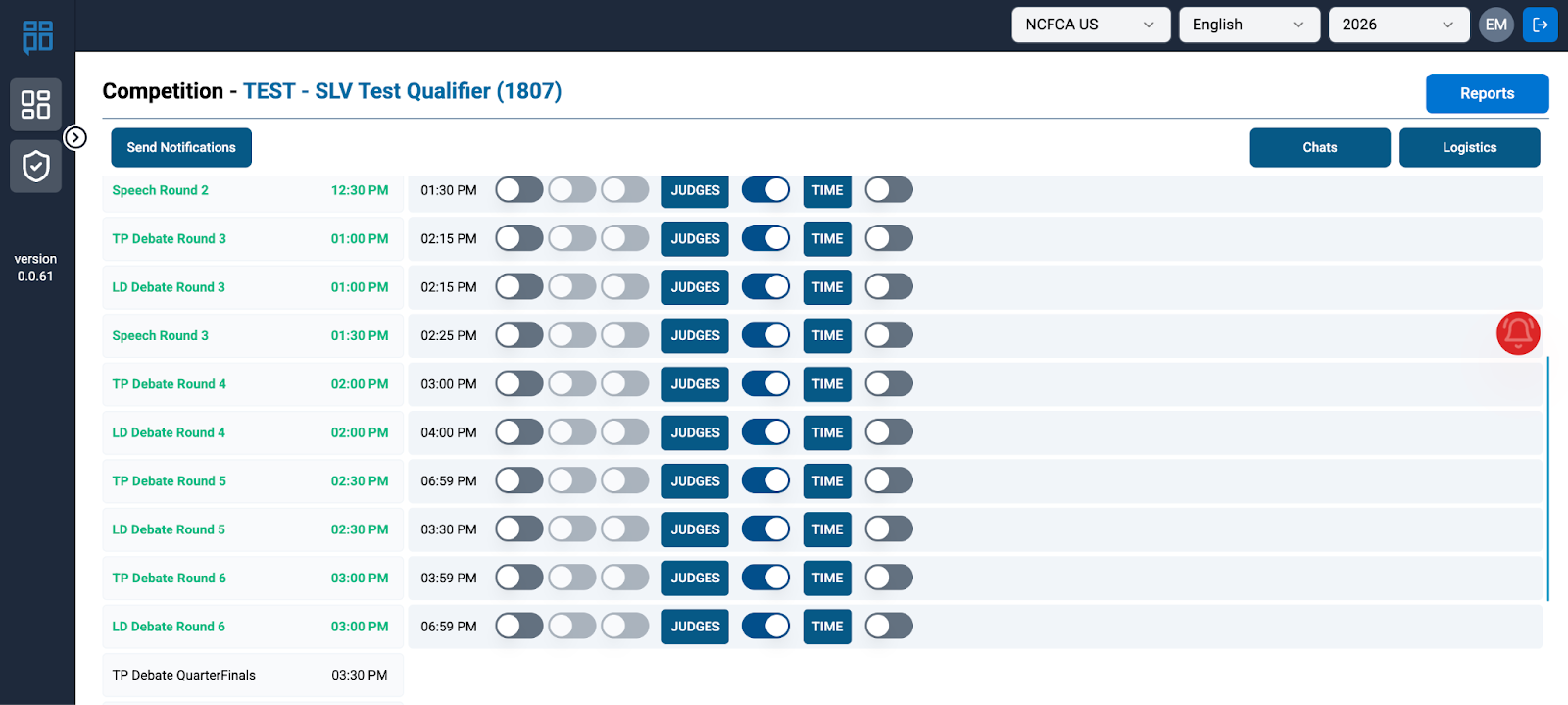
Reports can be found on the top right side of the Competition page.
The following option can be viewed in the Reports Tab:
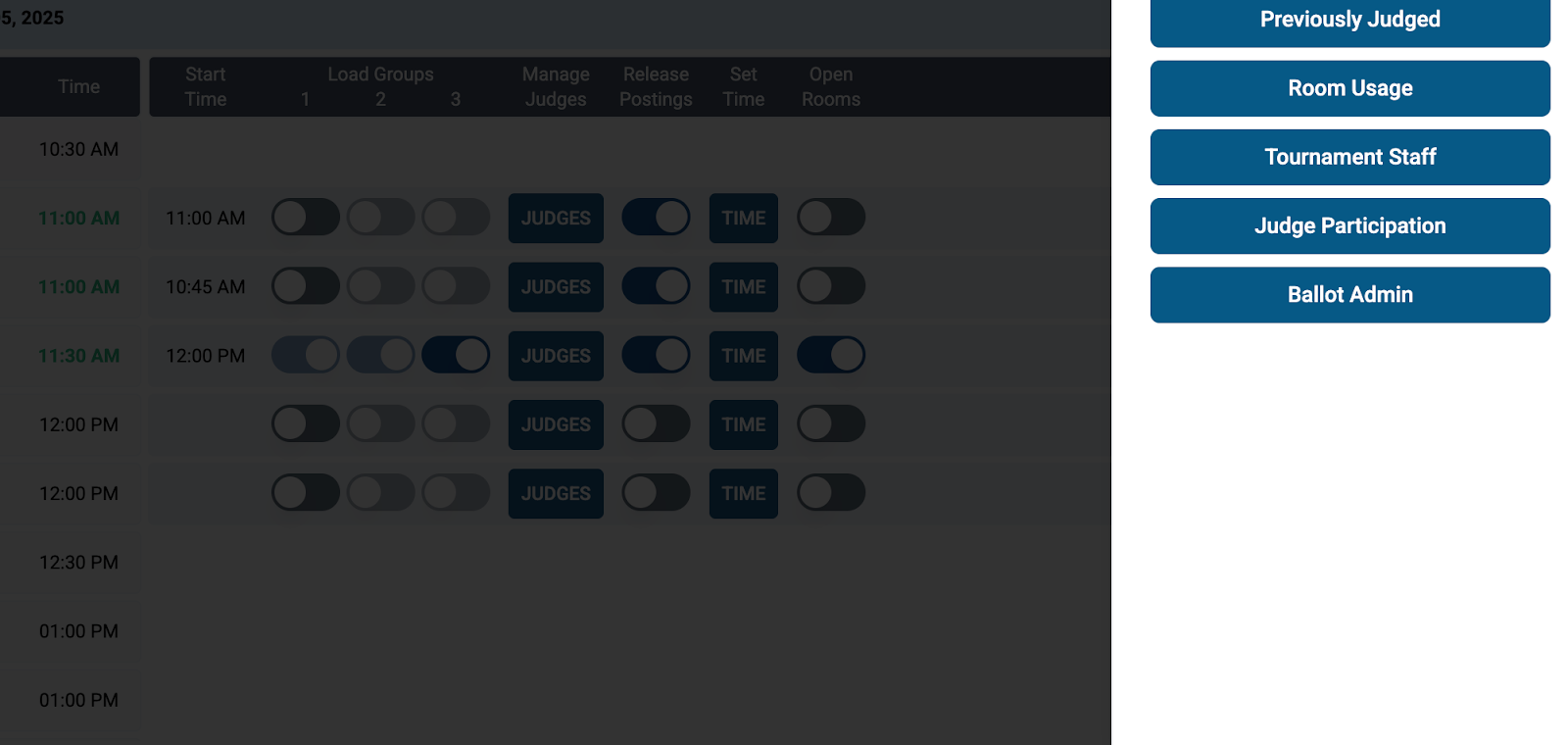
Ballot Admin Report
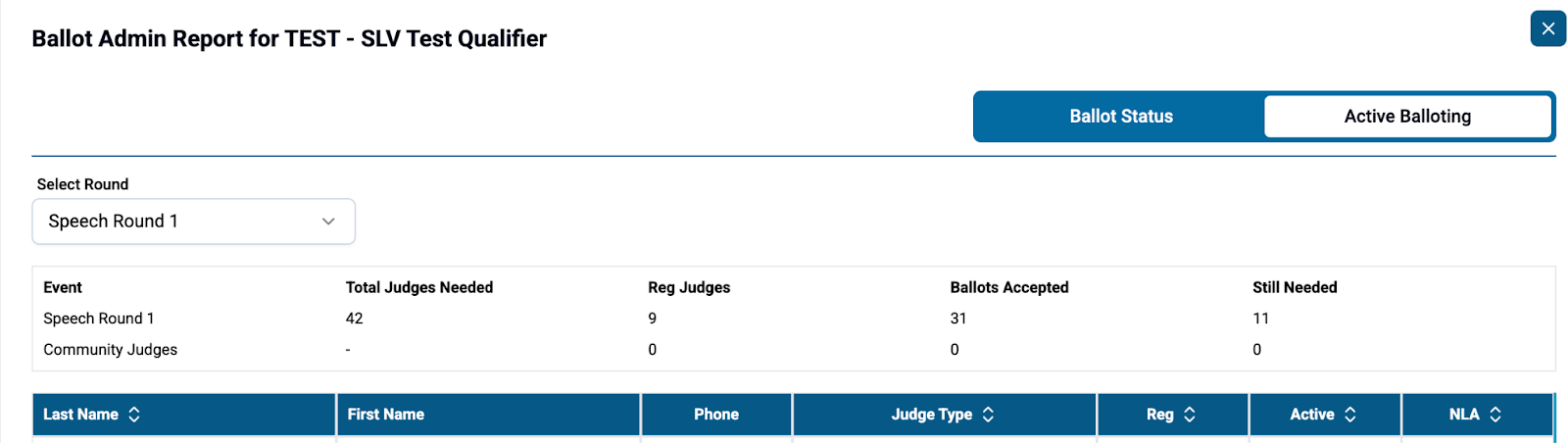
- BM watches the Ballot Admin Report as ballot selection is underway.
- As you are paneling, the Ballot Manager can use the Ballot Admin Report under Active Balloting to see who is NLA. Contact these people that did not take a ballot. JST can contact Community that NLA (NM can reach out to JST regarding Community). BA can contact Designated Adults directly.
- Texting is fine. Use the person’s name in text in order to quickly identify the person that replies back to you; this will remind you later who you have contacted.
- NM uses the Ballot Admin Report under Ballot Status to monitor the return of ballots. This will be shown in the Status column. Use the BA Workflow for notification reminders for ballot return.
In the Ballot Admin Report, you can select Ballot Status or Active Balloting.
Ballot Status will indicate if the ballot is “Not Started,” “In Progress,” or “Complete.”

- Anticipate upcoming Rounds
- You might reach out in advance to some folks that have not been taking ballots. Let them know you see they have not judged recently, but you really need them this upcoming round. Tell them when ballots will be out, and be gracious, of course.
- If you anticipate that tournament staff will be needed, give your leads a heads up so they can start asking ahead of time. They might like to have their staff select ballots earlier than later, so they can choose shorter rooms.
Starting Round Without all Your Judges
- With the RC’s approval you can start a round before you have all your judges, but you want to be confident you can secure the remaining before the start time you set.
- Your team should be calling judges at this point, for speed. Texting can take longer.
- For speech, notice who the late judges on ballots are, so you can contact them directly to proceed right away to their rooms.
- Send a 2nd notification about the round start to judges just to be sure everyone gets the message.
Judge Management
- The NM will monitor this Manage Judges screen during the paneling process.
- The NM will communicate with the BA team on registered community judges for the round and the status of those that have not gotten ballots yet by working on the judge management tab or through other forms of communication with the JS team.
- For judges that have not gotten ballots about 30 min ahead of the start, the NM will want to begin communicating with JS.
Judge Participation Report-After First Few Rounds
- The Judge Participation Report can be found under Judge Management.

- Sort by Family Count to have the 0’s at the top. Reach out to those individuals that are showing 0 rounds (lower numbers if you are already deep into the tournament).
- Be sure to notice where a spouse is on staff. Spouses can still be contacted kindly for help, but otherwise do not reach out to these folks first.
- Late drops might still appear on this list and can be added to the DO NOT CALL list.
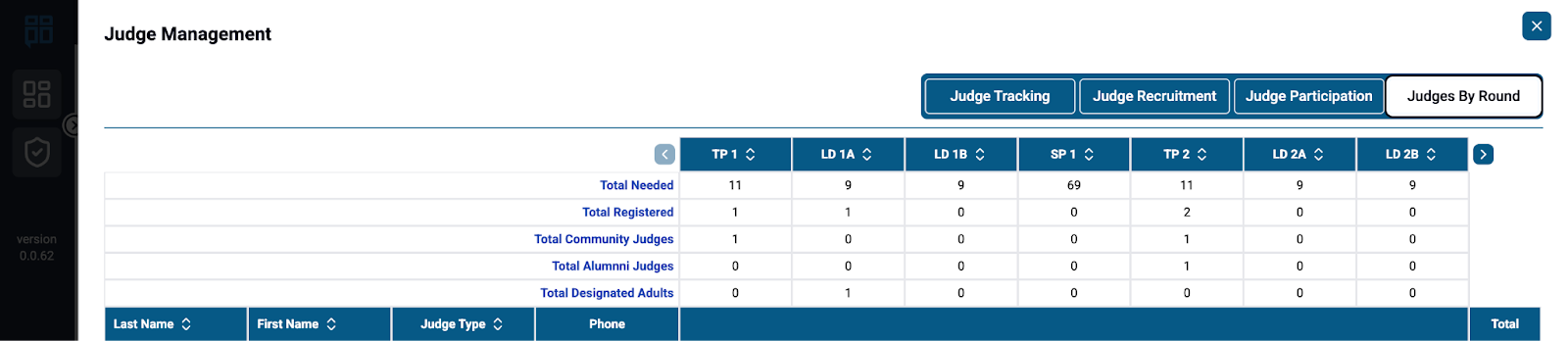
To understand which judges have judged particular rounds, one may examine the Judges by Round Report under the Judge Management tab.