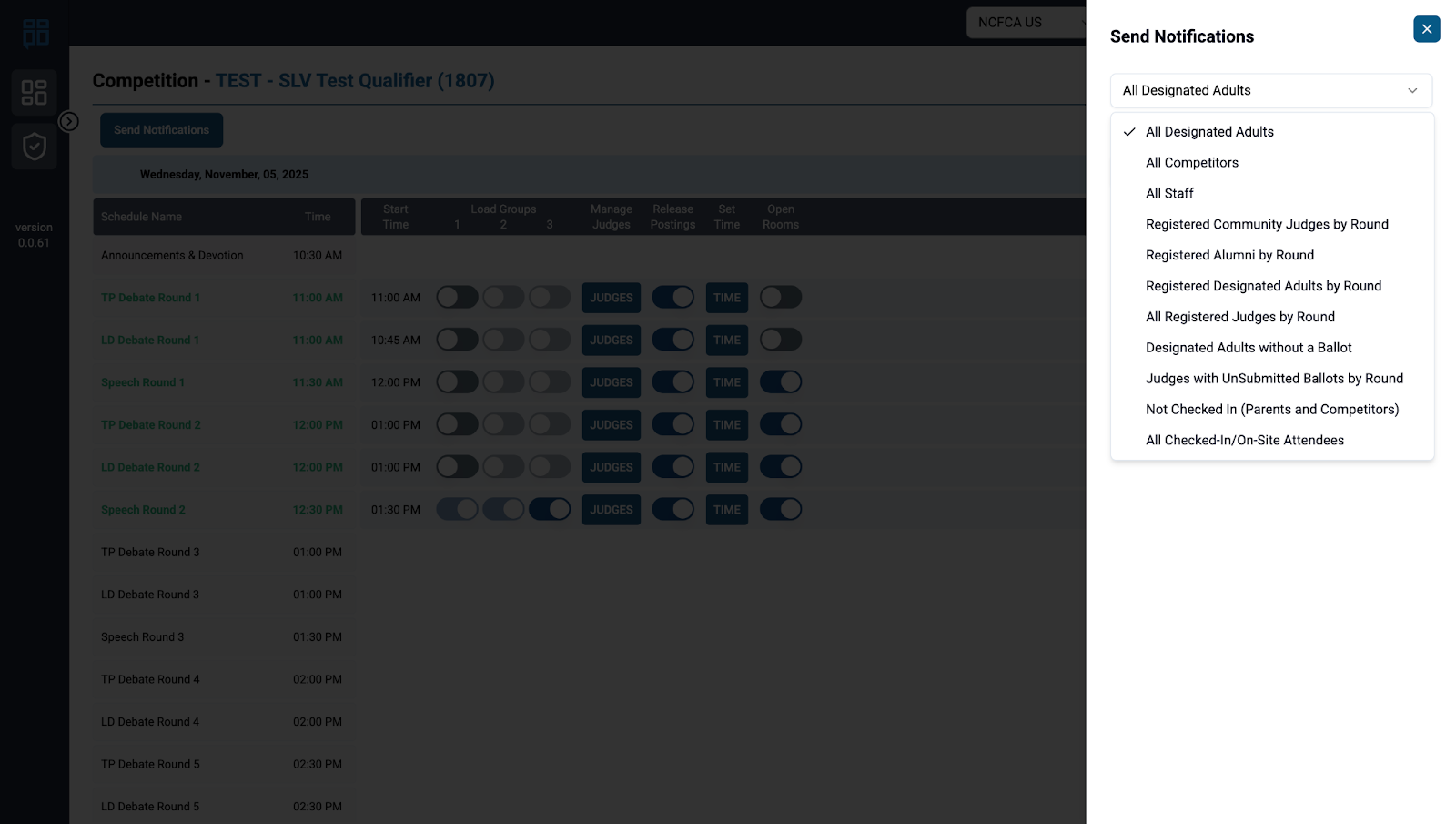
Content Outline
Notifications
Sending a Notification
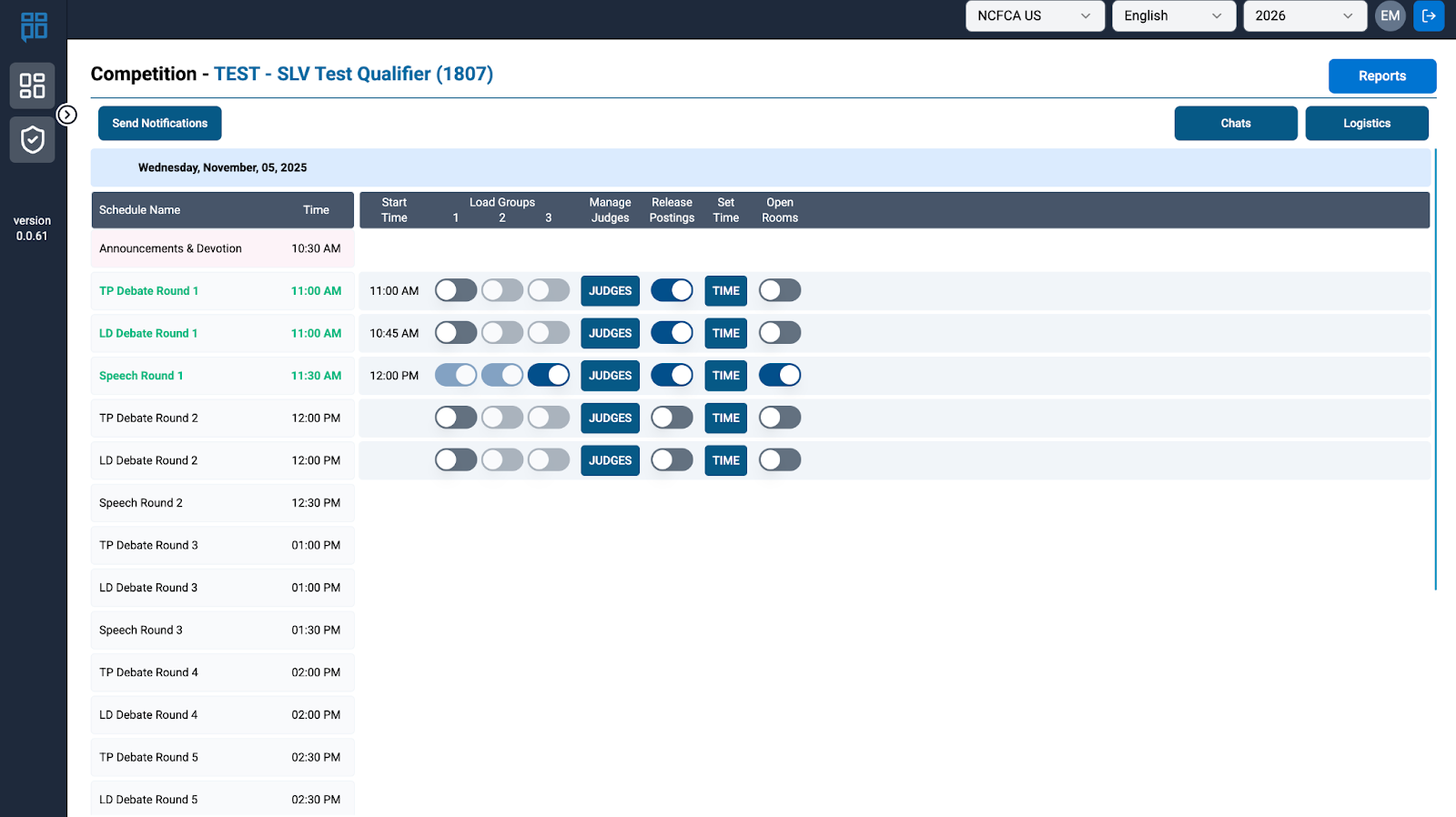
NM will go to the NCFA’s Staff Competition Screen, look for the top left tab” Send Notification”
- For All Designated Adults and All Checked-in/On-Site Attendees select “All Rounds” for schedule, and add your message.Select text & notification to send from either the BA Workflow or a unique message requested by the Regional Coordinator.
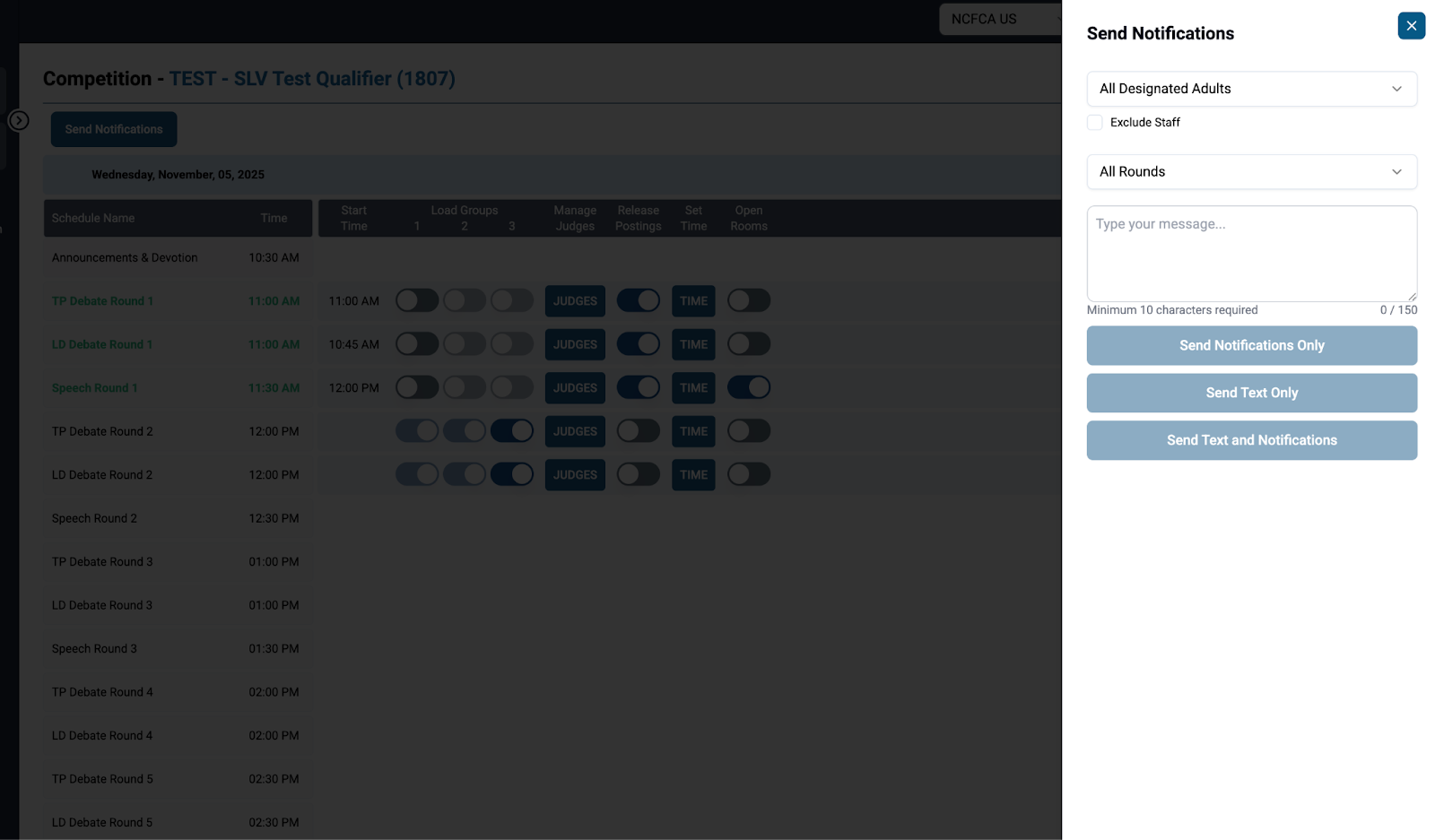
- For specific messages for specific rounds: select the desired audience, the desired round, and the desired message from either the BA Workflow or a unique message requested by the BAL or RC.